
The pad and the phone
The order is written on a pad, photographed, sent. It will be typed again at the office, sometimes twice.
Sales and industrial management
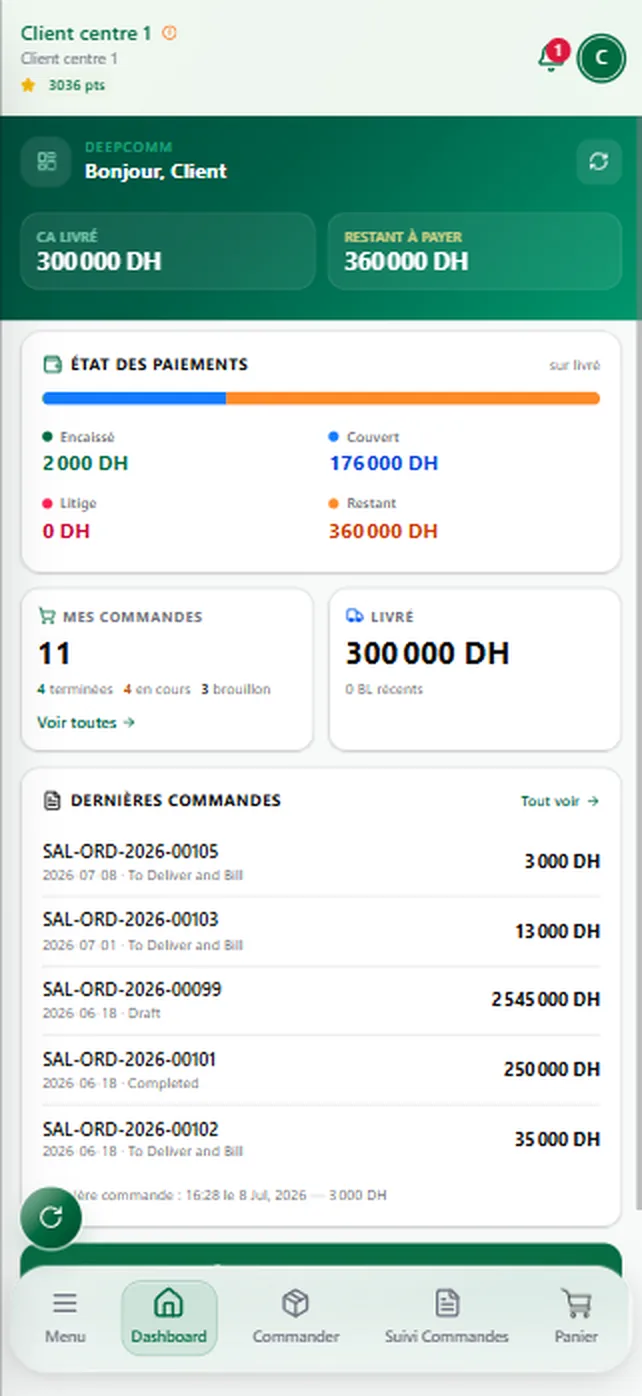
DeepComm holds the order, the delivery, the payment, the invoice and the commission in one app. Every job has its own space, and the direction sees everything, to the second.
The blind spot
And which cheques are still waiting to be cashed. When the answer takes two days and three phone calls, your team is not the problem: the number of tools they have to hold is.

The order is written on a pad, photographed, sent. It will be typed again at the office, sometimes twice.
Everyone keeps their own. Nobody reads the same figure at the same time.
The till, the stock, the client follow-up, the shop, the accounts. Five subscriptions, and nothing that talks.
The month’s figure arrives once the month is over. Receivables and pending cheques, later still.
Oneorder.Typedonce.
It becomes a delivery note, then an invoice, then an accounting entry.
The chain
Each step picks up the one before it. Nothing is typed twice, nothing is lost between two tools.

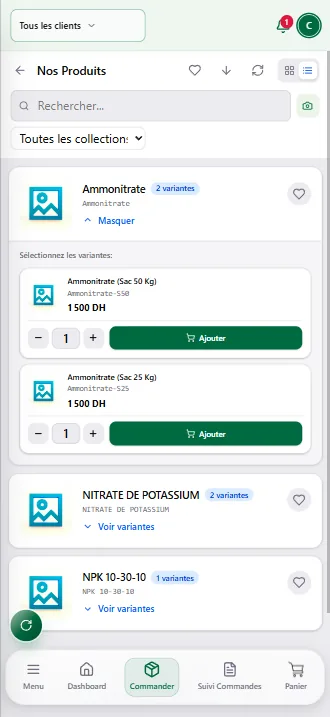
Search the product, add it to the cart, declare the advance received with its photo proof, and submit. The price shown is the price of the order.
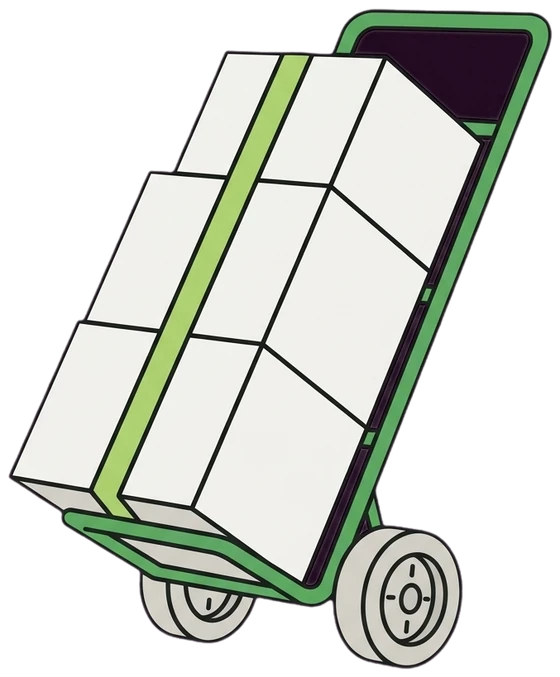
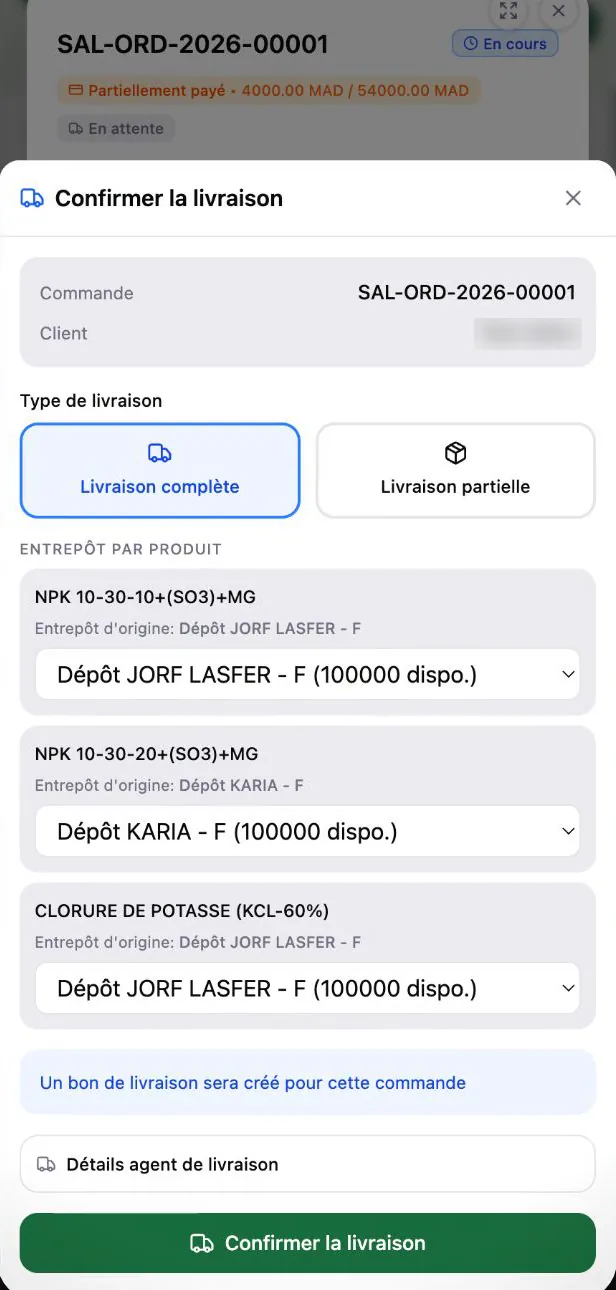
Line by line, from each product’s depot. Your truck leaves, or the client’s comes to collect: the order keeps the mode and the plate, and the delivery note writes itself.
Every delivery is followed, from planning to handover.
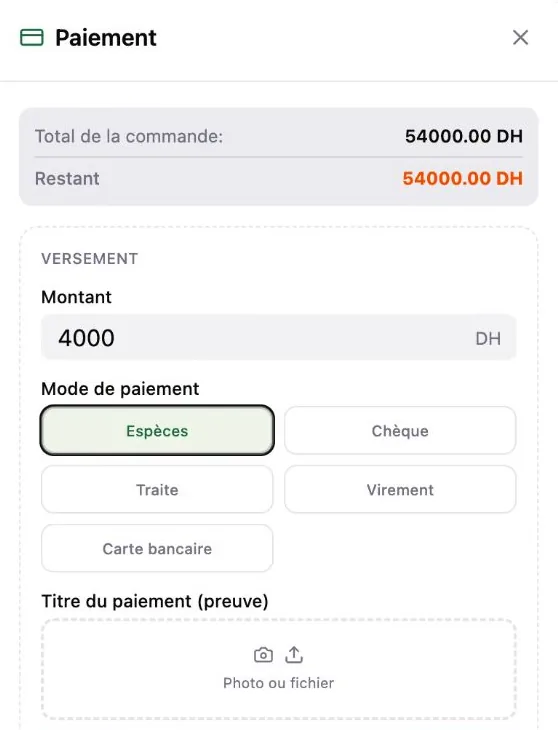
Cash, cheque, promissory note or transfer, with the proof attached. What is left to pay recalculates at every settlement.
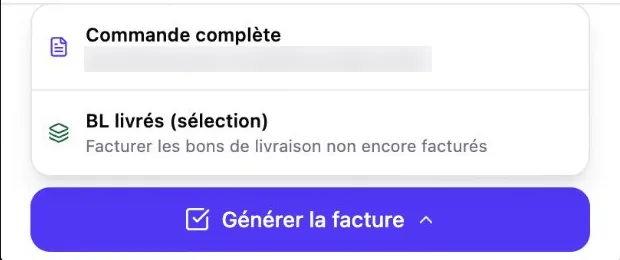
On the whole order, or only on the delivery notes already gone. Advances already paid apply themselves.
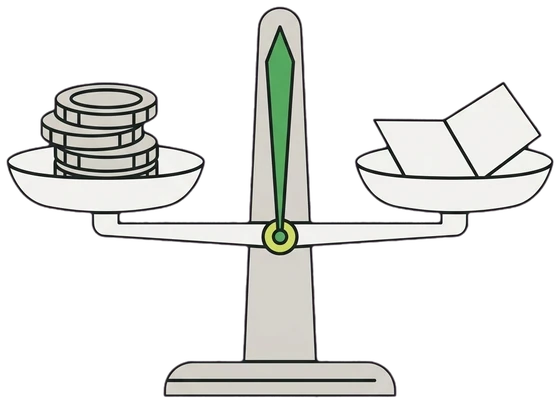
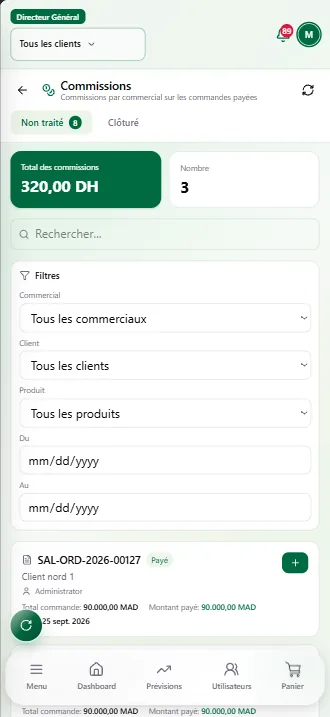
An order delivered and settled opens the commission. The direction sets the rate, the rep follows it without ever being able to change it.
The field
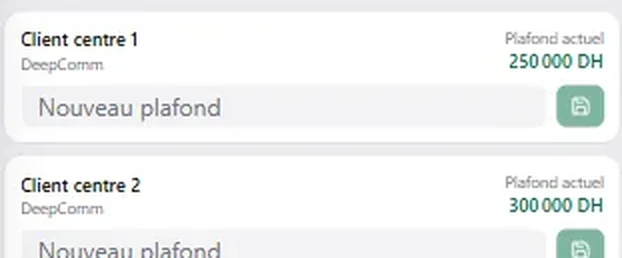
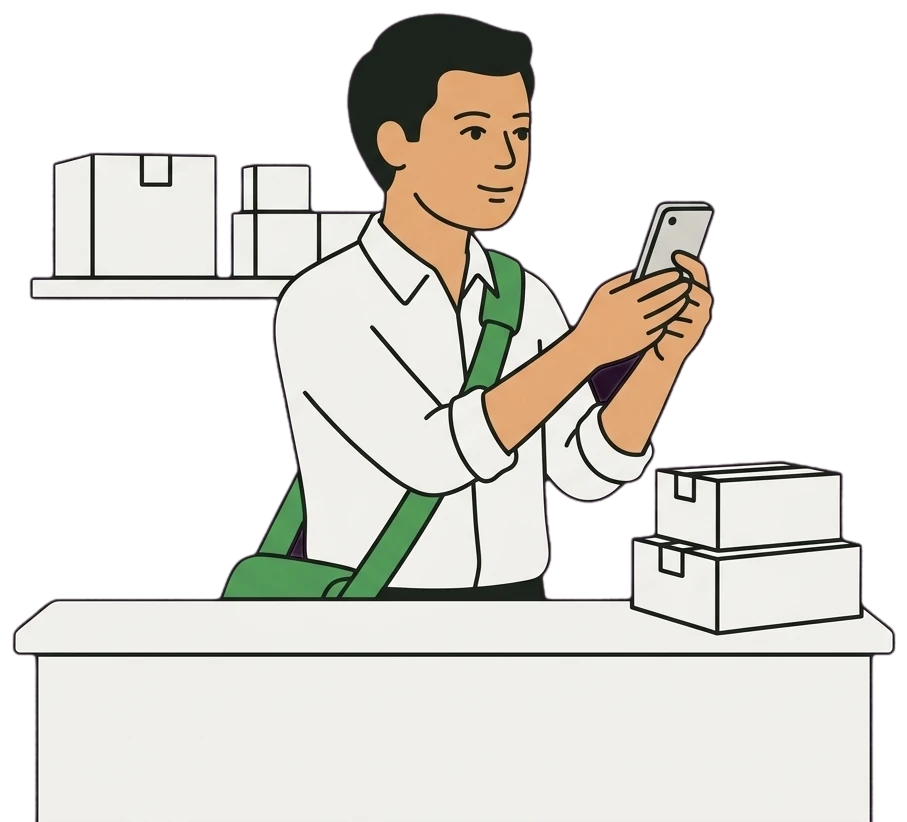
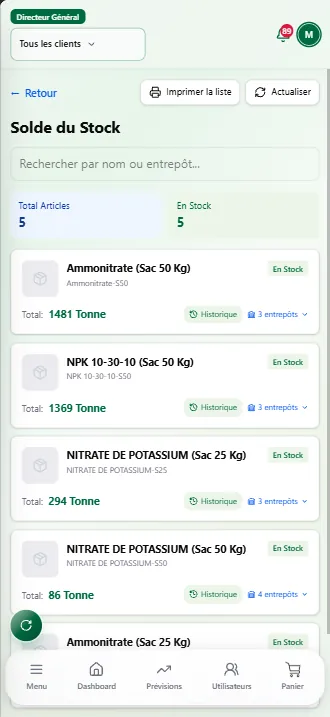
His day fits in his phone: his clients, his catalogue, his ceilings, his payments and his commissions.
The office
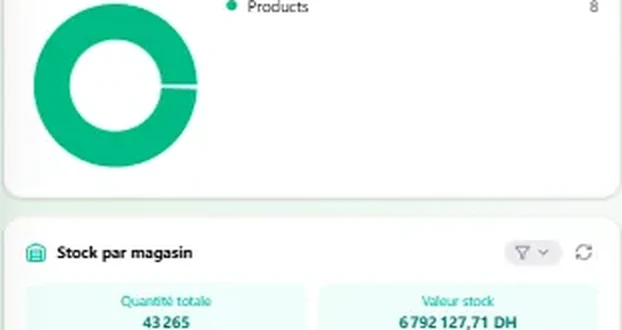
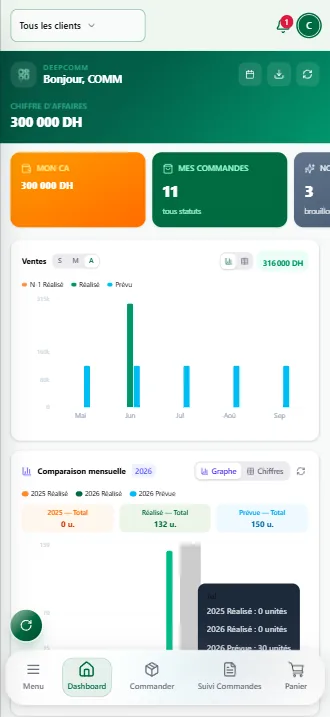
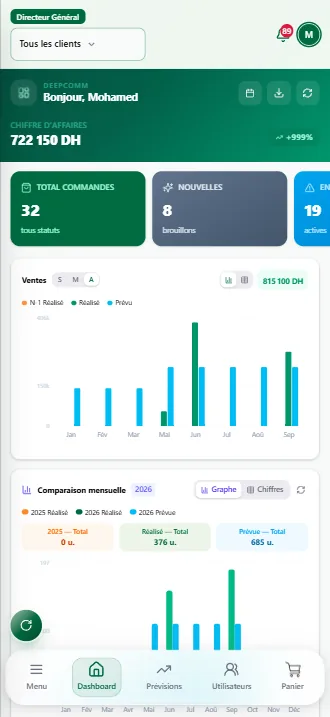
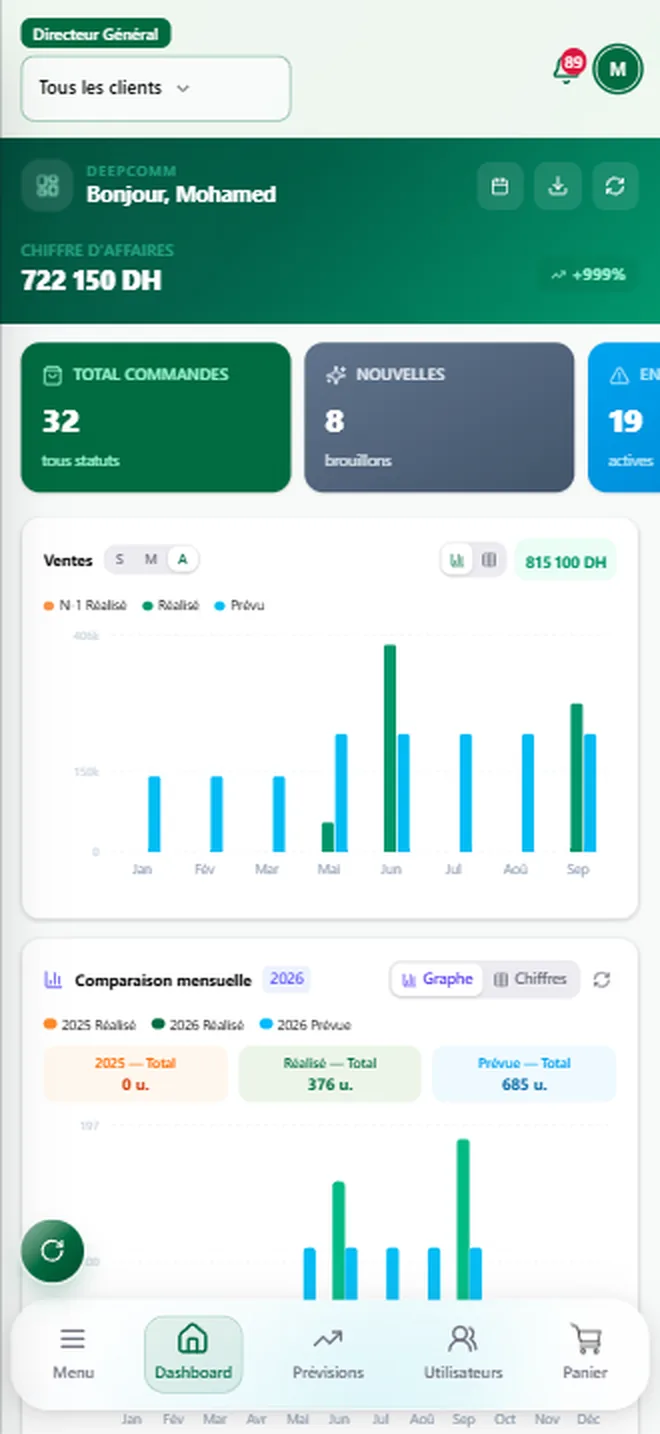
Revenue, orders, stock per depot, receivables and pending cheques sit on one screen, up to date to the second.
Everywhere
The direction opens its dashboard at the office, on the road or in the field. The same figures, to the same second.
Tablet
In a meeting or on the move, the same reading, at arm’s length.
Computer
At the desk, the full dashboard: the month’s sales, the orders under way and what is still to be collected, on one screen.
Phone
In the field, the essentials: what has left, what has arrived, what is waiting for a decision.
The general management dashboard
Whereisthatcheque?
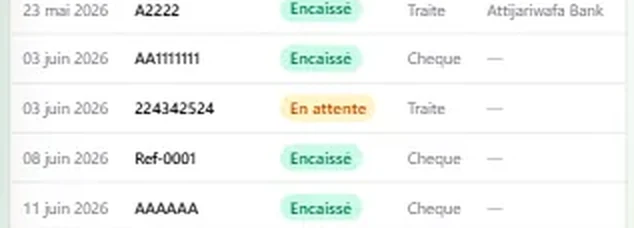
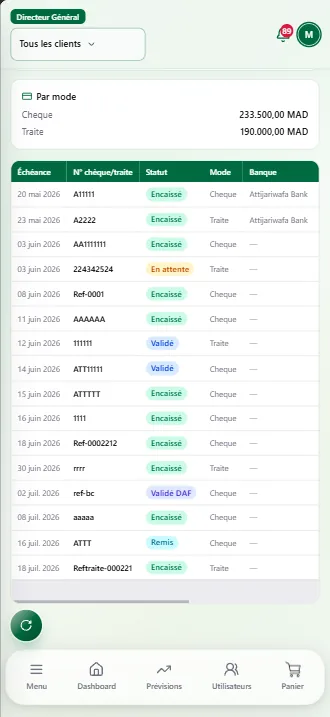
Pending, validated, remitted, cashed. The whole cycle, on screen.
The money
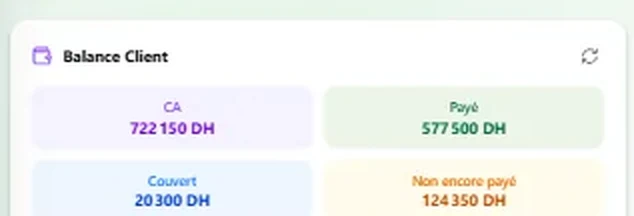
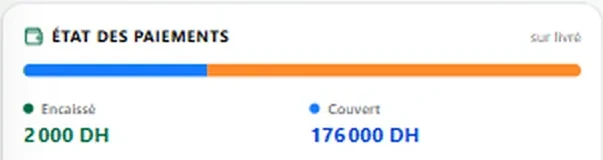
Three numbers never to be confused, a cheque followed end to end, and the age of every receivable.
A cheque’s cycle, from the deposit to the cash-in.
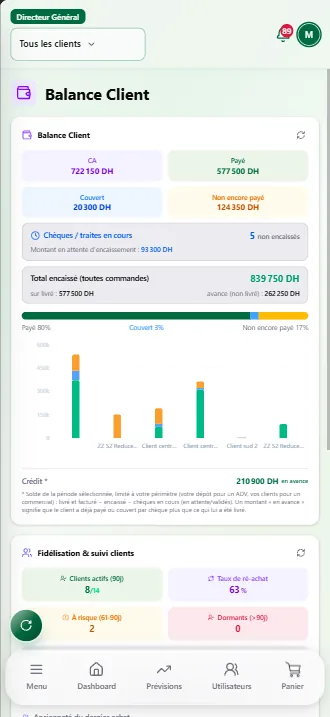
A space each
The menu, the screens and the figures change with the role. Nobody sees what is not theirs.
What is not in your role, the app tells you so.

The whole company: the figures, the hierarchy, everyone’s rights and the house rules.

Their region: their reps, their clients, the approvals and the commissions.

Their clients: forecasts, orders, payments in the field and their own commissions.

The cycle: deliver, cash in, invoice, take stock in.

Their depots: receipts, transfers, confirmed deliveries.

Validating cheques and promissory notes, and watching the cash.

A separate technical space, with no access to commercial data.
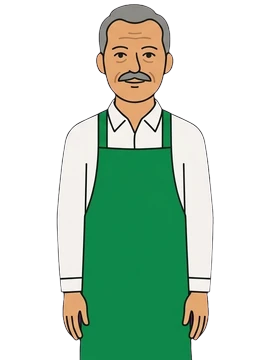
Their orders, their statement, and the option to order themselves.
The assistant
By text or by voice. It answers, or does the work for you. Before it writes anything at all, it asks you first.
It only sees what your role allows you to see.

Who it is for
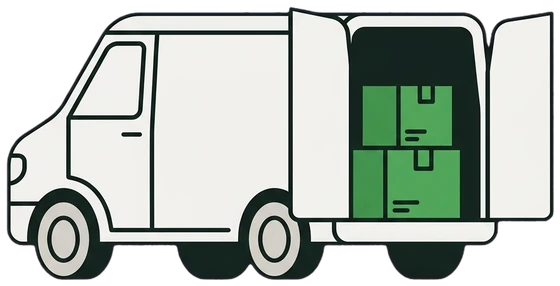
Reps on the road, sales on credit, cheques and delivery rounds.
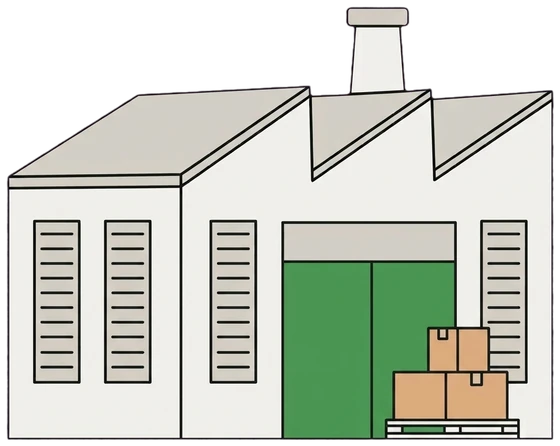
Sales and stock, and workshops and production charges on top.
A till tied to the stock and the accounts, with an online shop on the same catalogue.
Those who cannot say today what they are owed or where their stock is.
Here
Local VAT and the dirham, in the tool from the first day.
Arabic reads right to left, through the whole app.
Every company works in its own environment, isolated from the others.
DeepComm syncs with what already runs and lives alongside your tools.
Questions
They use one app: find a product, add it to the cart, confirm. Nothing more.
A spreadsheet does not tell you your stock or what you are owed right now, and it does not update itself when a rep sells two hundred kilometres away.
That is exactly what DeepComm holds: the ceiling per client, the receivable, and the cheque followed from the remittance to the cash-in.
The Moroccan chart of accounts and local VAT are built in, in French as in Arabic.
We start with what hurts most, then move on module by module. Every company keeps its own isolated environment.
DeepComm syncs with it and lives alongside it: keep your accounting reference, add the field and the steering.
FlexiGlob. DeepComm is a product of FlexiGlob, which designs, builds and runs business software.
Next step

Tell us how your orders travel today, from the rep’s pad to the cheque cashed. We will show you what changes, on your own cases.